Quick Answer
ClassDojo is built for teachers and families to message each other about the school day. For home routines, the alternative to look for is an app parents run: the parent sets and approves chores, homework and bedtime tasks, and teachers have nothing to set up. A school can keep ClassDojo and add one.
TL;DR
ClassDojo is good at what it was built for: connecting teachers and families during the school day. If you're looking for an alternative, the messaging may be working fine. What's missing is something for the hours after pickup, when no teacher is in the room and no teacher should be expected to be. Compare them on three questions: who runs it, when it's used, and who pays. Classroom tools run on teacher effort during the school day. Home-routine systems run on a parent approving real things at home, like a made bed or finished homework. A school can have both without either one adding a minute to a teacher's day.
Do You Need a ClassDojo Alternative at All?
You don't need to replace ClassDojo to fix evenings at home. ClassDojo says it's "free for teachers, forever" and "loved by more than 45 million students and parents," and its core job is teachers and families messaging each other during the school year. If that's what your school uses it for and it's working, there is nothing to replace. Replacing a working communication channel means retraining every teacher and re-enrolling every family, and no one should sign up for that to fix a problem that lives somewhere else. If messaging really is the problem, compare ClassDojo with other school-to-home tools. As of September 2026, ParentSquare calls itself a K–12 family engagement platform, TalkingPoints calls itself a PreK–12 one, and Remind calls itself a communication platform for education. This article is about the other gap: evenings at home.
One complaint you'll find in ClassDojo's App Store reviews isn't about messaging itself: parents describe repeated prompts to upgrade to the paid family plan. A separate question is whether classroom behavior points, sometimes shown in front of the class, help kids at all. We cover that in whether behavior points and demerits help kids.
What Is ClassDojo Actually Built For?
ClassDojo is teacher-run and classroom-first. The core product (messaging, class stories, feedback points, portfolios) is free for teachers and runs on the teacher's effort: the teacher posts, the teacher awards, the teacher replies. The family-facing extras (a reading library, homework help, saved memories, progress reports, and unlimited points at home) sit in the paid family subscription, ClassDojo Plus, which the family pays for. As of September 2026, ClassDojo says Plus comes in more than one plan, with features depending on the plan chosen.
That design makes sense for its job. The school day is the teacher's room, and a tool for narrating it should be in the teacher's hands. It also explains the limits: everything flows from what the teacher has time to feed into it, and the home features carry the classroom's model into the evening, with the same style of feedback points, which parents give and which stay separate from class points.
What Does a Home-Routines App Do After School?
A home-routines app gives the parent a way to run the hours after pickup: homework, chores, dinner, screen time and bedtime. No teacher is in the room. A classroom tool stretched into that window still brings the school's model into the house, so the parent ends up running a points system that started in the classroom.
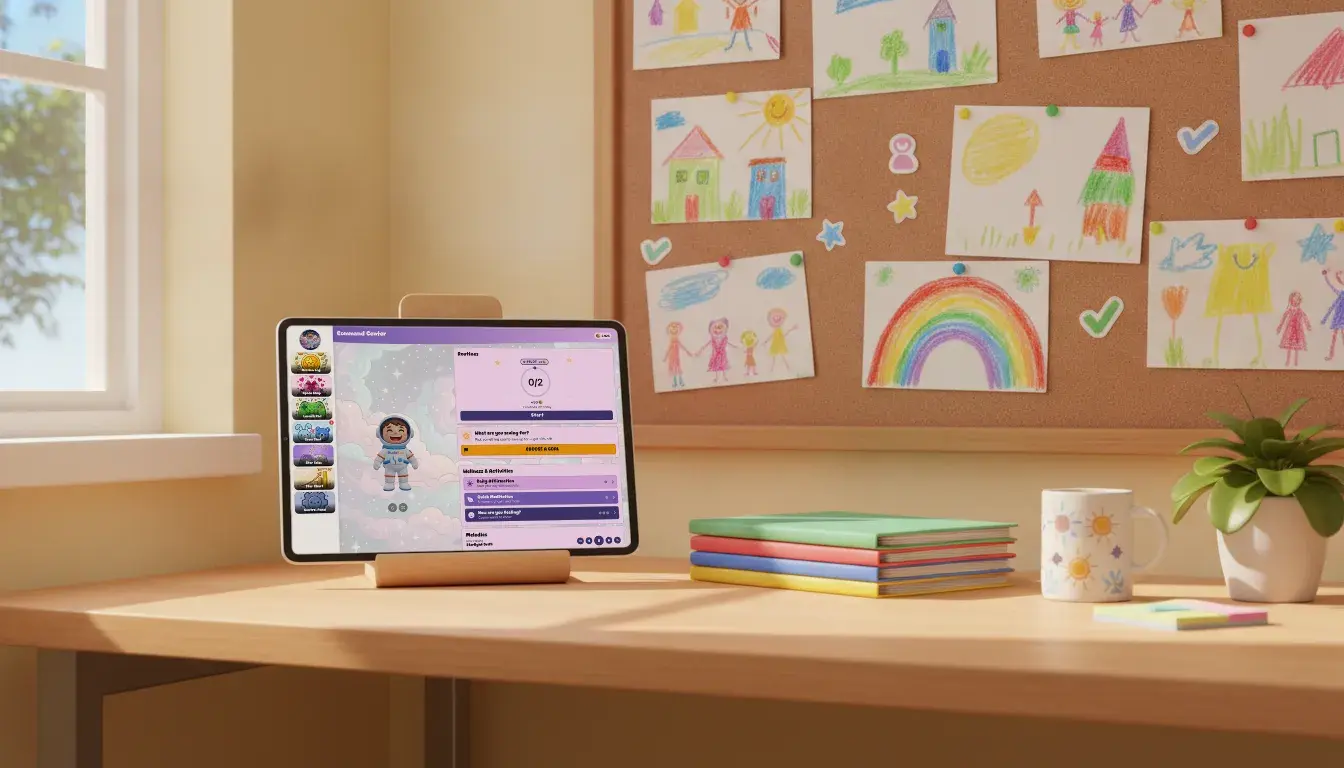
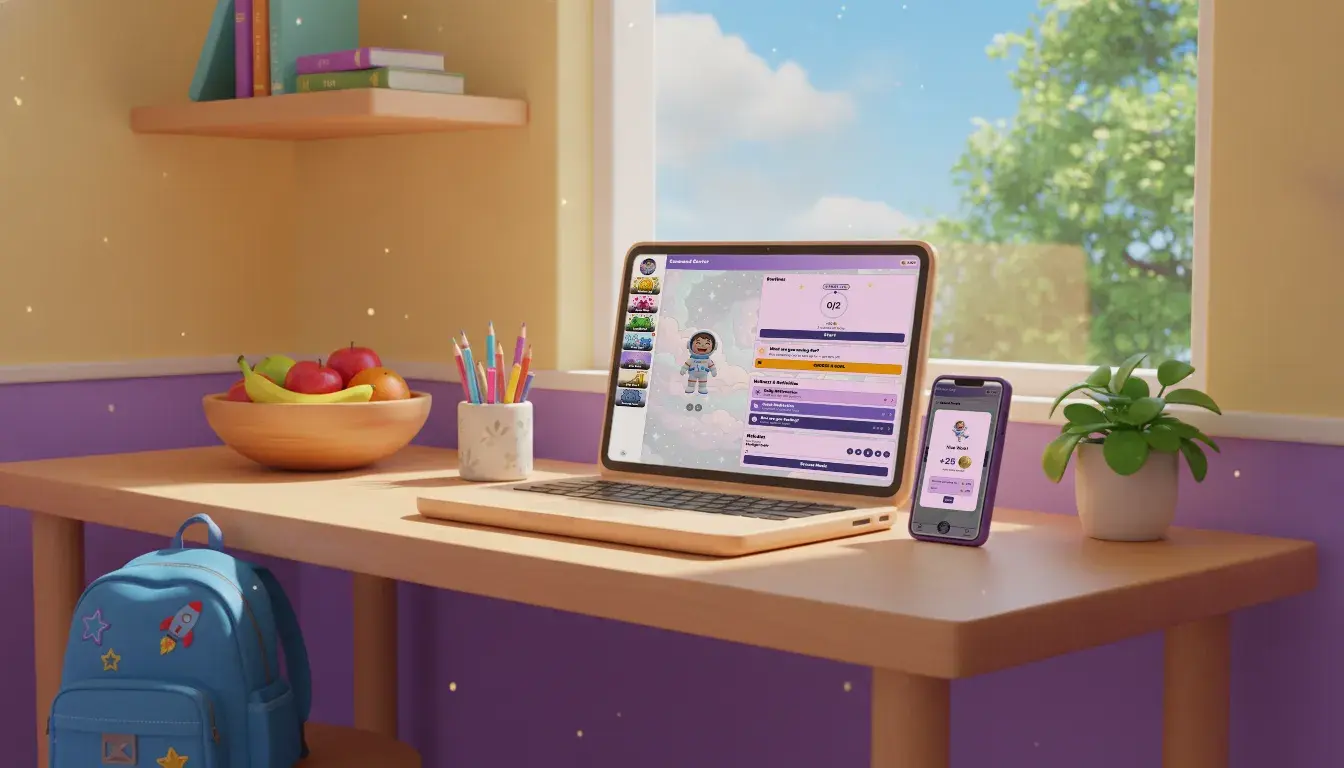
A home-routines system starts from the parent's side instead: what needs doing tonight, and what it's worth. In KudoKids, a child earns Kudo Coins by finishing real routines (beds, teeth, homework, kindness), and the parent approves each one from their phone. Kids spend coins on minutes of TV, tablet or gaming time, at a per-minute price the parent sets once for the family. The routine happens off the screen; the app is where it gets counted.
How Do You Add a Home App Without Adding Teacher Work?
Choose a home-routines app with no teacher role at all. A classroom app runs on teacher effort: each new one is one more place a teacher has to post and reply.
For the home side, that means no teacher account in the app, no classroom setup, nothing to award during the school day, and nothing for staff to reconcile. A school can fund KudoKids for every family with nothing for staff to set up or run: parents hear about it in a note home, enroll themselves, and run it from there.
Classroom Tools and Home Systems, Side by Side
A classroom tool and a home-routines system differ on who runs each one, when it's used, and who pays.
| Classroom communication (e.g. ClassDojo) | Home routines (e.g. KudoKids) | |
|---|---|---|
| Who runs it day to day | The teacher | The parent |
| When it lives | The school day | Before school, 4pm to bedtime, weekends, summer |
| The child's part | Receives points a teacher awards; at home, Home Points a parent gives (a limited number free, unlimited on the paid plan) | Earns Kudo Coins by finishing real routines a parent approves |
| Who pays for family features | The family (paid family plan) | Core app free for every family; a school can fund the premium version for all its families |
| What teachers do | Post, award, message | Nothing |
Can Both Run at the Same School?
Yes, ClassDojo and a home-routines app can run at the same school. ClassDojo is how the school talks to families during the day; a home-routines system is what happens at home after that. Nothing moves from one to the other, and no family has to choose.
There's a full side-by-side of how KudoKids compares to ClassDojo's family plan if you want the feature-level detail. And if you're reading this from the school side, the schools FAQ answers the "we already use ClassDojo" question directly, including how a school can fund the year so no family in the building is asked to pay for anything inside the app while it runs. Who pays matters for a school. When each family has to buy a home feature for itself, the families who can't pay go without. When a school pays for every family, what the school recommends is something every family has.
If the deeper problem you're working on is reaching families who never come to the building in the first place, that's a different question than app choice. We've written about family engagement ideas that aren't another parent night separately.
Who Is Each Really For?
The right pick depends on the problem you're solving: school-to-home messages, points at home, or evenings.
- Choose ClassDojo if your school already uses it and school-to-home communication is the need. It's already in place, and switching costs are real.
- Choose ClassDojo Plus if you want ClassDojo's points at home without a cap (Home Points, which parents run on their own and which ClassDojo says teachers can't see; as of September 2026, a limited number is free), plus its reading library and homework help, and you're comfortable paying for it as a family.
- Choose a home-routines system if the problem you're solving is evenings: routines, chores, and screen time that's earned instead of handed over, run by the parent with no dependence on what any teacher posts.
- Or run both. They do different jobs at different hours, and neither asks anything of the other.
Frequently Asked Questions
Does KudoKids replace ClassDojo?
No. KudoKids (kudokids.org) isn't a school-communications platform and doesn't want to be one. ClassDojo is how a school talks to families during the day; KudoKids is what happens at home after that: a kid earning screen time by doing real things, with a parent approving each one from their phone.
Do teachers have to run KudoKids?
No, there's nothing for them to run. There's no teacher account in the app, no classroom setup, and nothing for staff to do during the school day. School staff can have a seat in the school's program view, which shows counts and averages, never who. KudoKids lives at home, between a kid and a parent.
Can a school fund KudoKids without handing over student data?
Yes, that's how the arrangement is built. Families enroll directly with their own accounts, so there's no roster to upload and no student names or records leave the building. The school pays; the account and the consent belong to the parent. For how that sits with a district's privacy review, see does a parent app need a student data privacy agreement?
What does ClassDojo Plus cost?
ClassDojo Plus is an optional family subscription with a 7-day free trial, and as of September 2026 ClassDojo says it comes in more than one plan. Its App Store listing shows several ClassDojo Plus Basic prices, including $9.99 and $69.99, so check ClassDojo's own site for what your families would pay. The core features (messaging with teachers, class points and class story updates) stay free.
What would families lose if a school stopped funding KudoKids?
They would lose the premium extras, such as the other themed worlds, companions, backgrounds, and companion looks. Accounts stay, and the free plan (every routine and task, the whole games library, the Space world, the daily check-in, and Cosmo the starter companion) stays free. School funding adds the premium version for every family during the funded term. If the funding ends, families keep the premium version for 14 more days, then move to the free plan.
No ads* · No child data sold · Ages 3–12
*ads can be shown via the YouTube and web browser features if a parent turns them on.
Last updated: September 24, 2026
This article is for informational purposes only. ClassDojo's plans, Home Points terms and App Store reviews, and the other tools' own descriptions, are as of September 2026. Any of these may have changed.